
 by Mike Brooks |
Last Updated: July 5, 2026
by Mike Brooks |
Last Updated: July 5, 2026 FLSUN’s latest release, Super Racer, already performs great, but you can step up your 3D printing game by optimizing your new toy with paid and free upgrades.
In today’s article, I will list paid and free upgrades for your Super Racer that you can choose from and customize your unit. The upgrades below will improve the performance of this delta 3D printer and help you get the most out of your purchase.
Most people upgrade their 3D printers because they encounter hardware issues.
If you don’t have issues with your Super Racer, you can still upgrade your unit for better print quality, so let’s discuss hardware and firmware upgrades for your printer.
Paid Upgrades for FLSUN Super Racer
The following hardware upgrades can help your Super Racer deliver even better prints. FLSUN Super Racer doesn’t need all of these updates right out of the box. They’re just suggestions for people interested in optimizing their printing experience.
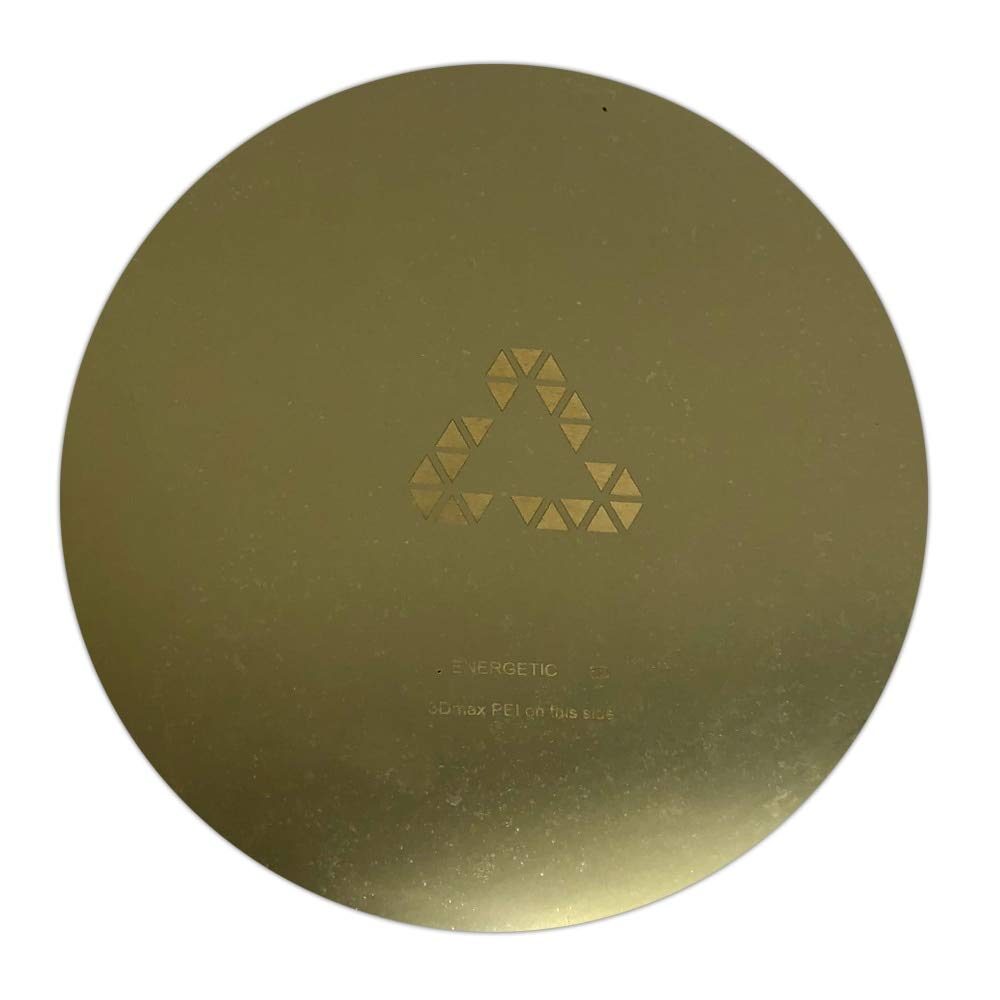
Magnetic PEI Print Bed
Many people have issues with the glass print bed of the FLSUN Super Racer.
They mostly complain about the print bed adhesion. However, I didn’t have any problems with it. On the contrary, I had a good experience.
The print bed adhesion was strong, and I couldn’t remove the objects from it. Maybe FLSUN addressed the issue before I purchased my Super Racer.
However, if you have problems with the print bed adhesion, don’t worry. You can install a magnetic PEI print bed and solve your issues.
The print bed surfaces with a PEI coating work best for filament 3D printers, as they’re magnetic and flexible materials.
You can assemble these surfaces quickly and enjoy a better print bed adhesion. Once your print is done, you can remove the cover and the object from the magnetic printing plate.
Finally, bend the PEI surface, and your print object will come off without issues.
The only downside of PEI surfaces is that the underside of your print object isn’t as nice and smooth as the one you get with a glass print bed.
The underside has a slight texturing. However, if you have a problem with your print bed adhesion, this isn’t a big deal because you can’t see the bottom of the object.
You can find a magnetic PEI flex plate at Amazon, Aliexpress, and other websites.
Volcano Hotend
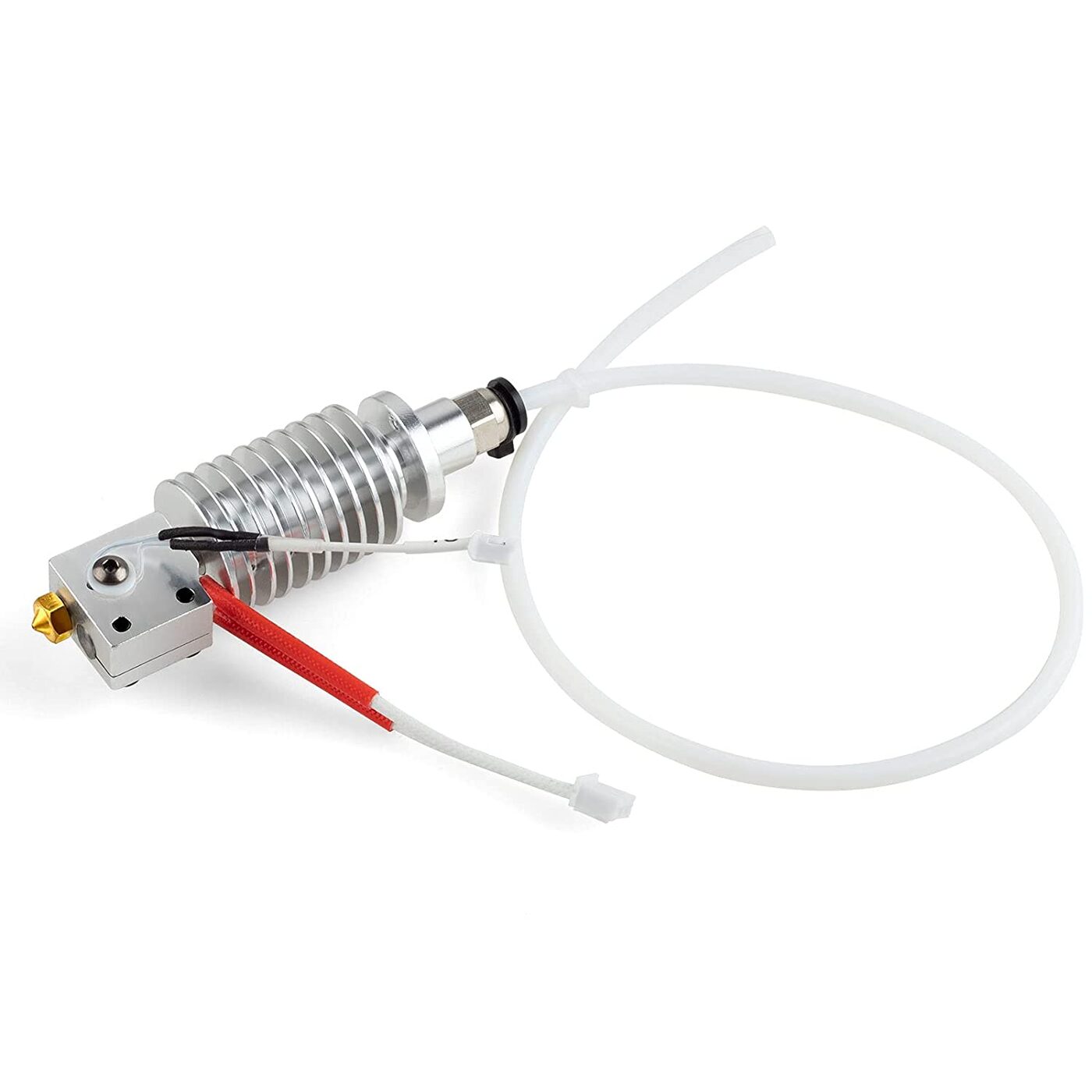
FLSUN made this delta printer with portability in mind. Therefore, they made the hotend as lightweight as possible. The included volcano hotend isn’t as big as the original.
Unfortunately, its downsizing affects the temperature. The smaller one can’t maintain a temperature as homogeneous as a larger one.
That’s why I suggest browsing Amazon for a larger hotend. The print speed will improve with a larger volcano hotend, so consider upgrading the one you got with your Super Racer.
Bi-Metal Heat Break
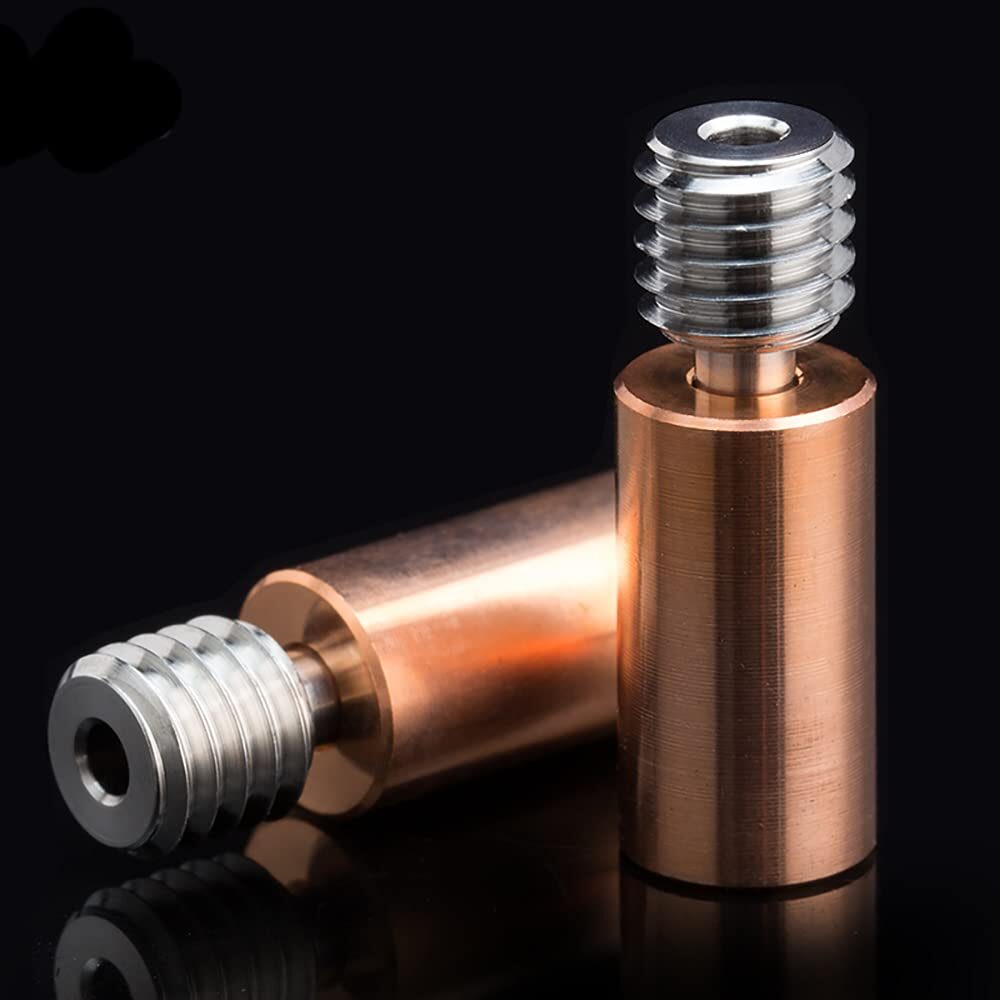
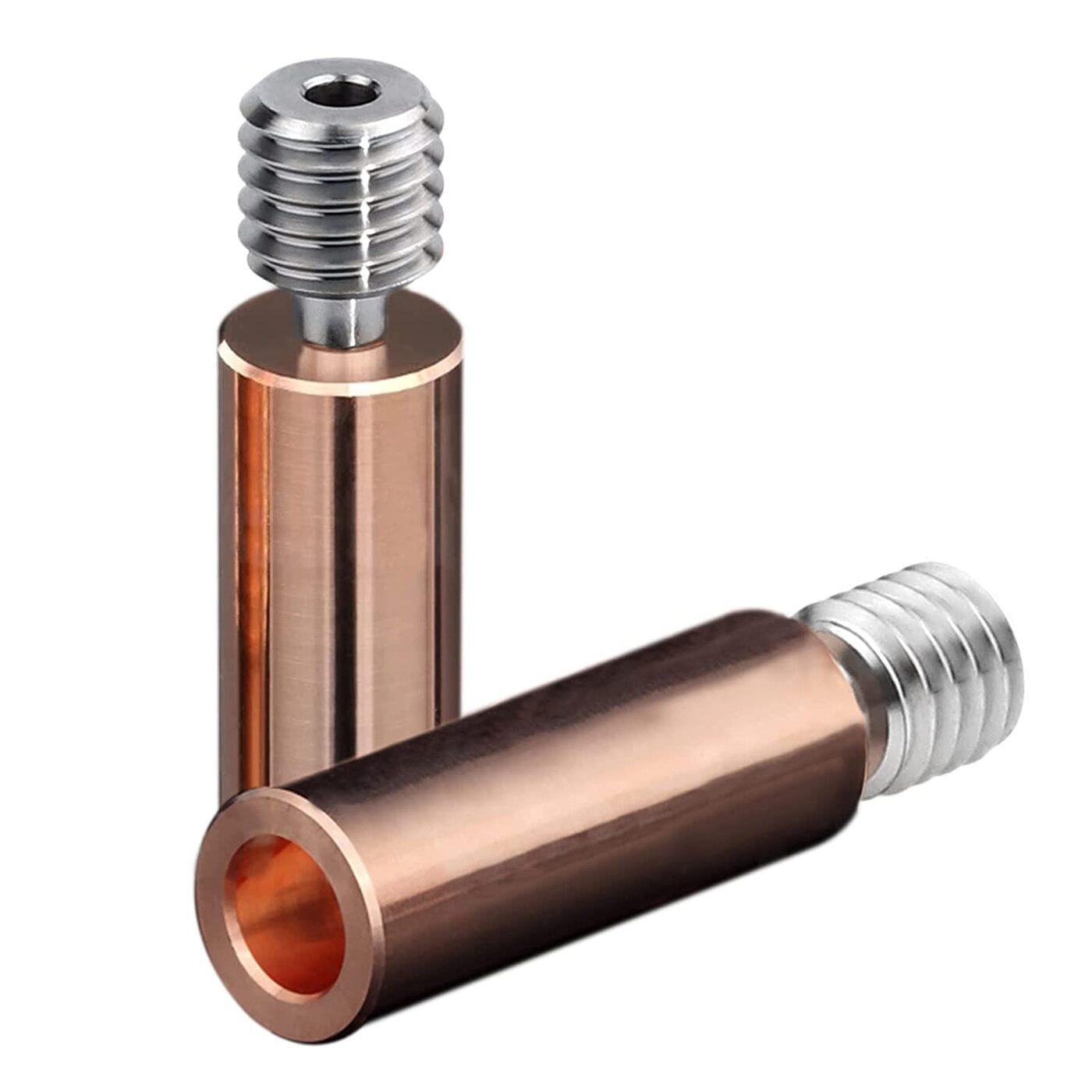
If you don’t mind the hotend, you can replace the heat break inside the volcano hotend for better performance.
The FLSUN Super Racer comes with a PTFE-lined heat break. PTFE starts to dissolve at 240 °C. If you typically print at this limit, I suggest replacing the heat break with a bi-metal variant that allows printing at temperatures of 250°C and higher.
Changing the heat break allows you to print with different filaments.
Another benefit of changing the heat break is that no slit can happen between the heat break and the nozzle. Therefore, you won’t experience clogging in the nozzle.
Replacing the heat break isn’t as easy as upgrading the print bed, but that doesn’t mean you shouldn’t give it a shot.
Remember or photograph the exact spot of each component and which screw was used for which hole, and you will be fine.
Lastly, buy a high-quality all-metal variant for better thermal performance.
Extra tip: All-metal variants aren’t as strong as titanium heat breaks. They’re fragile, so carefully install whichever variant you choose.
If you’re worried about the longevity of all-metal variants, consider titanium heat breaks. They’re cheaper and sturdier, but the thermal performance of titanium heat breaks isn’t as good as bi-metal variants.
Lastly, you should purchase the smooth instead of the threader version. You can find a heat break at Amazon, Aliexpress, Slice Engineering, etc.
Full-Size Heat Block with Better Nozzle
The volcano-like heat block of FLSUN Super Racer isn’t as big as the standard volcano version. While this heat block works, I suggest buying a full-size volcano heat block.
The regular volcano version can hold the full nozzle inside it, increasing your flow rate. You can find heat blocks at Amazon, Aliexpress, Banggood, etc.
I also suggest purchasing a new volcano nozzle.
The nozzle of the FLSUN Super Racer performs great. However, you can get a higher-quality nozzle for a low price.
New Fans for the Hotend
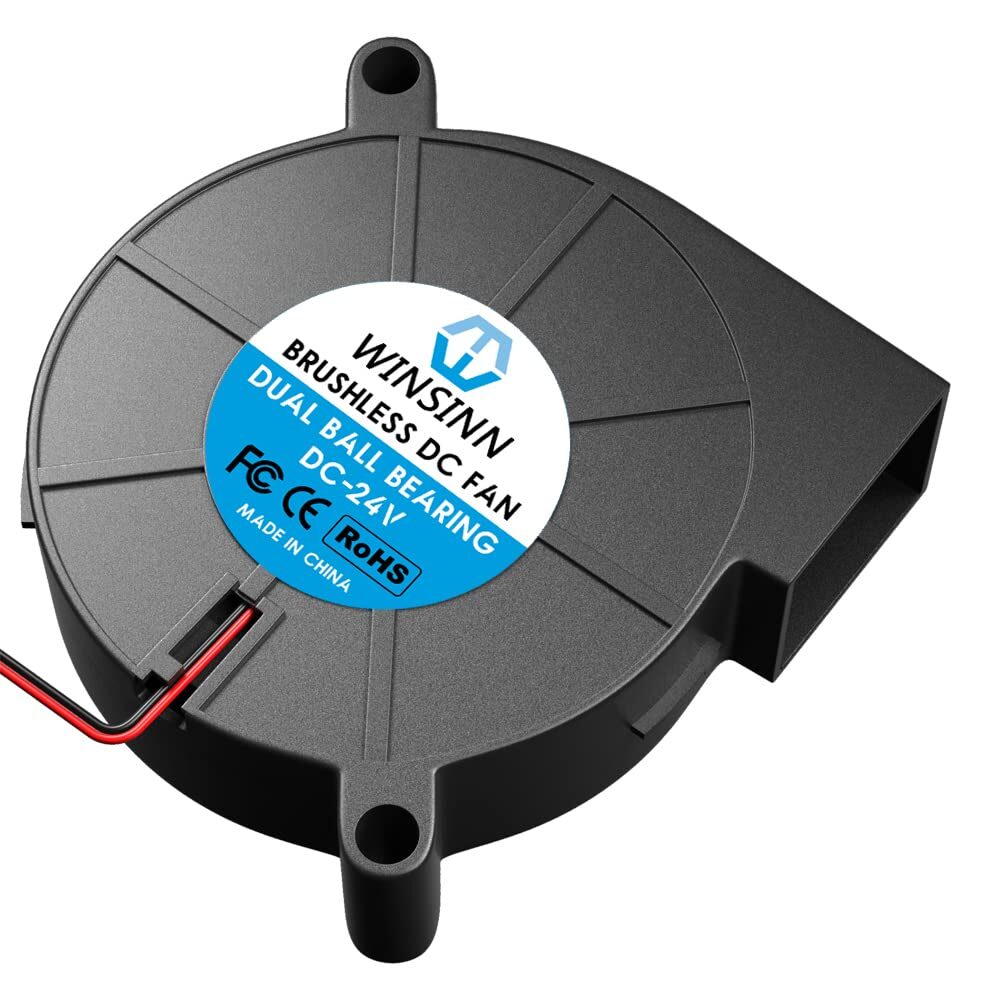
The 35mm radial fans of the Super Racer aren’t powerful. They can’t meet the printer’s capabilities, so you can’t push the print speed without upgrading the part cooling.
That’s why I purchased new dual 5015 radial fans. They’re much better at pushing more air over your prints, helping the printed layers cool more quickly.
When buying new fans, I suggest dual-ball-bearing variants. They come at a higher cost, but they’re long-lasting and powerful.
If you’re printing fast, you need strong and effective fans, so don’t choose cheaper ones because you will eventually buy the more expensive ones anyway.
Regular sleeve-bearing fans can’t handle the rapid movements of the printer. Therefore, follow my example and buy the dual 5015 radial fans at Amazon, Aliaexpress, etc.
I know they’re relatively expensive. However, the quality you get pays off with the Super Racer. Cheaper ones would wear out quickly because of the print head’s fast back-and-forth motion.
The underperforming radial fans limit the printer’s printing speed, so make this upgrade as soon as possible and get the most out of your FLSUN Super Racer.
Replace the PTFE Tube
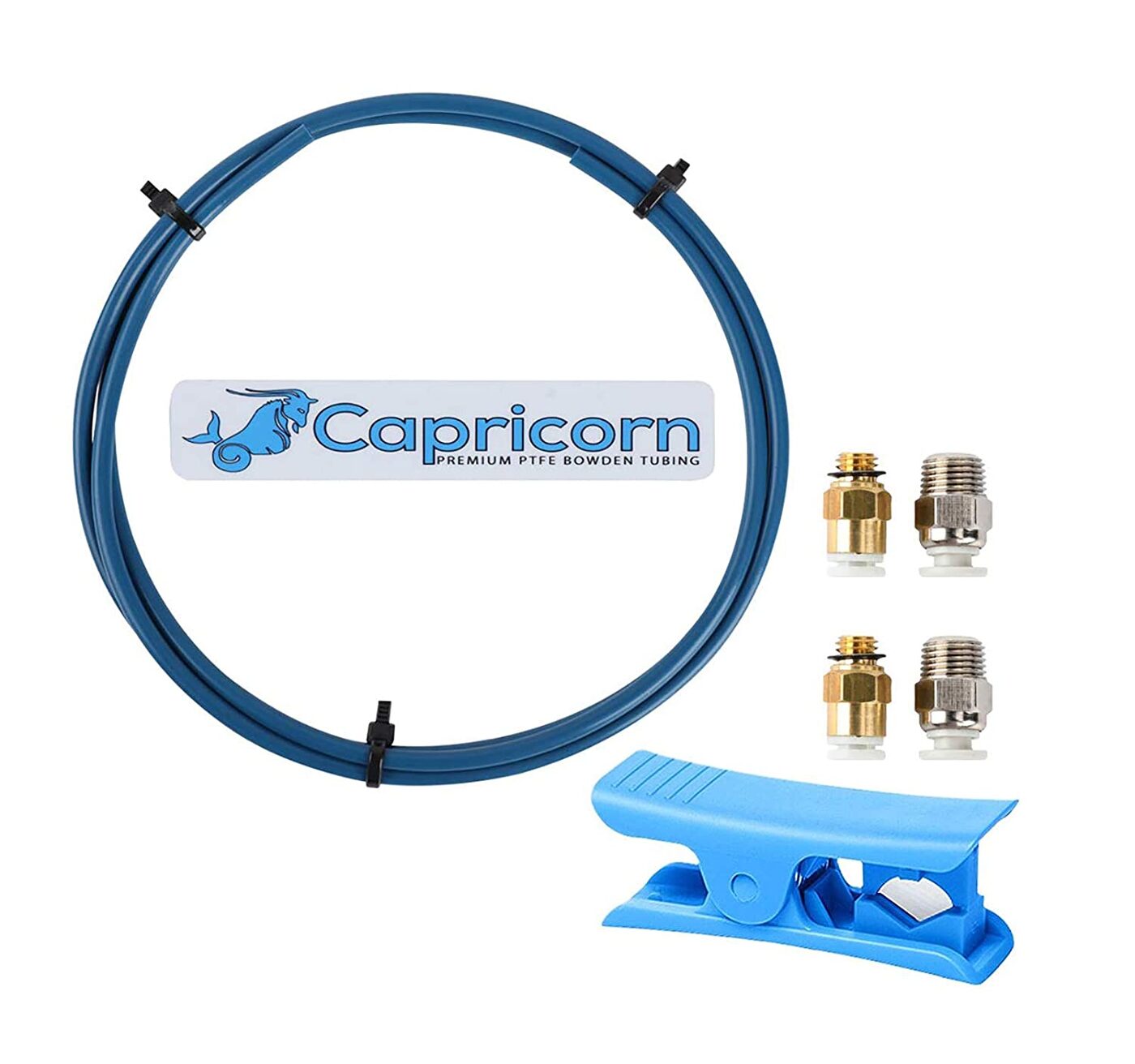
The long PTFE tube from the extruder to the print head has good tolerances, allowing the filament to move inside.
However, the extrusion and retraction movements get compensated when the filament moves inside the tube. You can get more accurate results by upgrading the PTFE tube with a better one.
Capricorn has excellent PTFE tubes which deliver great results. I have used their tubes with other 3D printers and have no complaints.
They have very tight tolerances. Therefore, the filament has just enough space to move back and forth without compromising the extrusion and retraction motions.
You can find a good PTFE tube at Amazon, Aliexpress, etc.
Direct-Drive Extruder
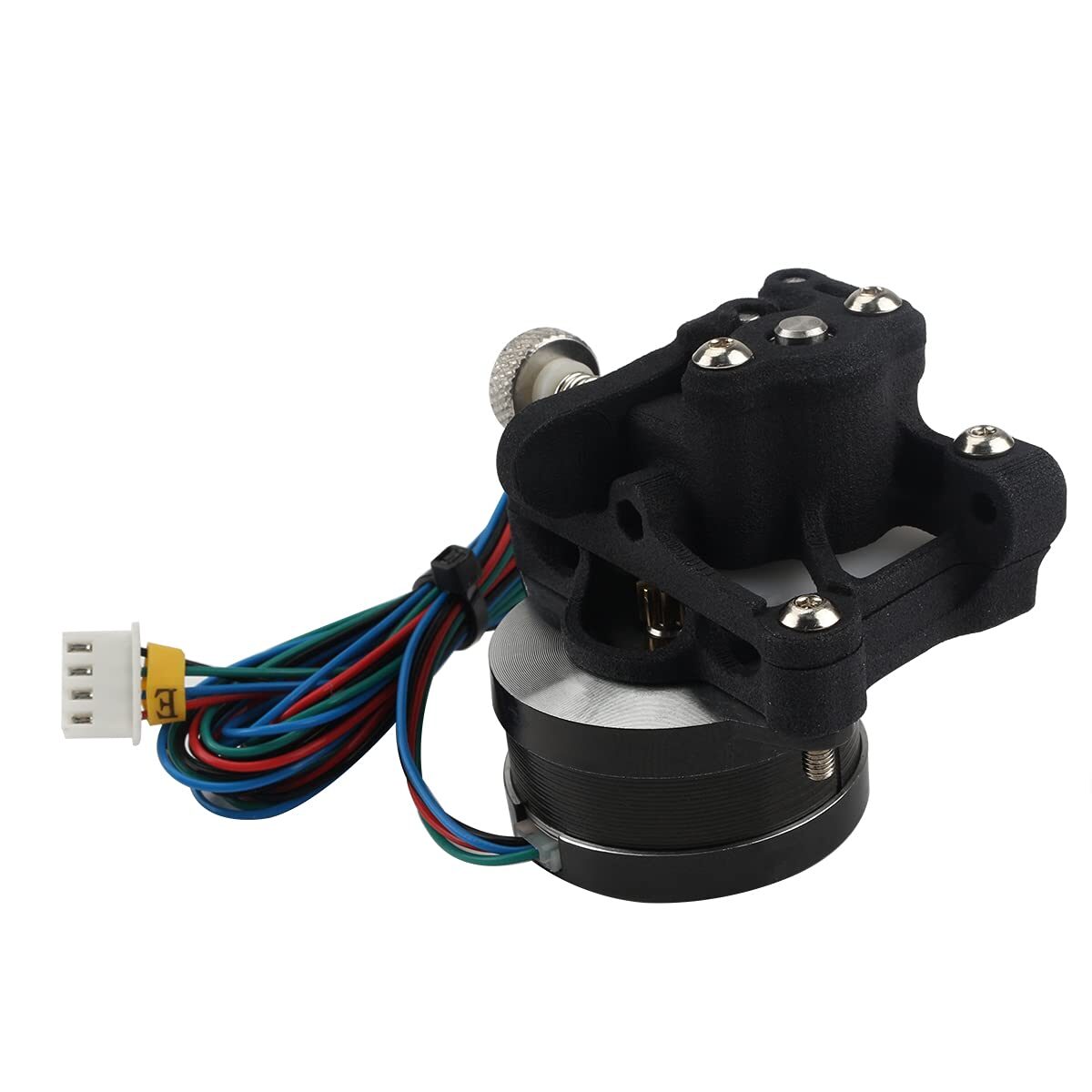
With delta printers, you must reduce the weight of the effector for fast printing results, so I suggest replacing the extruder with something more lightweight for better motor directions.
Some users install the Sherpa Mini extruder in a direct drive configuration and obtain great results. Having a direct drive extruder has many benefits and less weight.
Therefore, consider upgrading your extruder with a better one. You can find the Sherpa Mini extruder at Amazon, Aliexpress, Banggood, etc.
Free Upgrades for FLSUN Super Racer
Some upgrades for your Super Racer come free. In other words, you can upgrade your Super Racer by printing different parts for better performance.
Part Cooling Air Ducts
Upgrading the cooling power of your FLSUN Super Racer requires upgrading your fans, and you can’t upgrade your fans without printing air ducts for those fans.
I printed a dual 5015 fan mount and air ducts and got a better fan airflow. Therefore, try this combo and see if it will work for your printer.
Hotend Effector Housing
The stock hotend cover of this unit works. However, you can print a custom housing and provide more bracing to the top of the hotend.
Also, the back side’s open for better airflow, allowing air to pass over the heatsink.
Suppose you’re interested in the Klipper firmware. In that case, you will find the custom housing helpful because of the ADXL sensor mount, which is necessary for calibrating the input sharper/resonance compensation feature.
Kipper Firmware
The Marlin firmware performs well, but if you want web controls for your unit, consider installing Klipper.
Klipper combines the power of Raspberry Pi and your main board and installed drivers for better print control.
It’s nice and easy to work with, and installing this firmware doesn’t require much effort or time. However, you can only consider Klipper a free upgrade if you have a Raspberry Pi at home.
Installing this firmware gives your unit WiFi capabilities. You can also use a Web GUI interface and push the print speeds of your FLSUN Super Racer without compromising the print quality.
Closed Print Volume
You can get better results with a closed print volume when processing ABS.
This filament needs constant and homogeneous high ambient temperatures. Otherwise, it might contract or develop cracks during printing.
You can seal the build space with Plexiglas or other similar solutions. Once you’re done sealing the build space, heat the print bed about 10 minutes beforehand, and your unit’s ready for printing with ABS.
Conclusion
FLSUN has impressive delta printers, including QQ-S Pro, Q5, and Super Racer, which provide excellent results.
Hopefully, the paid and free upgrades above can help boost your printer’s performance and take your 3D printing game to the next level!

Recommended Reading
Best FLSUN SR Cura Profile & Settings
Are you thinking of downloading Cura to your FLSUN Super Racer 3 printer and wondering what the best profile and settings are? Find out here!
FLSUN Super Racer Review: How Fast It Really Is?
The new model has many features you can explore and a reasonable price, but can you expect the instant results they promise?
How To Install Klipper on FLSUN SR (Super Racer)
Installing Klipper on your FLSUN Super Racer printer isn’t as straightforward as any old computer-based installation, so if your experience with 3D printing and firmware ...