
 by Mike Brooks |
Last Updated: July 7, 2026
by Mike Brooks |
Last Updated: July 7, 2026 With the conception of FLSUN Super Racer firmware, 3D printing has never been easier.
If the time has come to update your FlSUN Super Racer (SR) firmware, this article shows you how to do just that quickly and easily.
First, you will need to make sure you are using the latest firmware for your printer type and that you have an SD card at hand. Once that’s sorted, you need to extract the zip to the root of your SD card, insert it into your unit and then switch the device on. The firmware will then install automatically in a matter of minutes.
What is A 3D Printer?
In Layman’s terms, a 3D printer allows you to utilize your manufacturing process of a 3-dimensional object of various different materials to transform a digital file (which will contain the 3-dimensional data) into a real-life tangible object.
Sometimes known as additive manufacturing, 3D printing allows you to use computer design to create a physical object from a 3-dimensional digital model to create a 3D replica of whatever you wish to print.
There is more than one process, but a typical way would be by laying down multiple thin layers of a material in succession.
To create a 3D object, you must first generate a blueprint of whatever 3-dimensional object you wish to replicate. The material most commonly used in 3D printing is plastic; however, other materials, such as metals, clothing fabric, and even human cells (for medical reasons), can be used.
A 3D printer allows you to create an object of your desire in a quicker and more cost-effective way than traditional manufacturing. It also creates much less wastage.
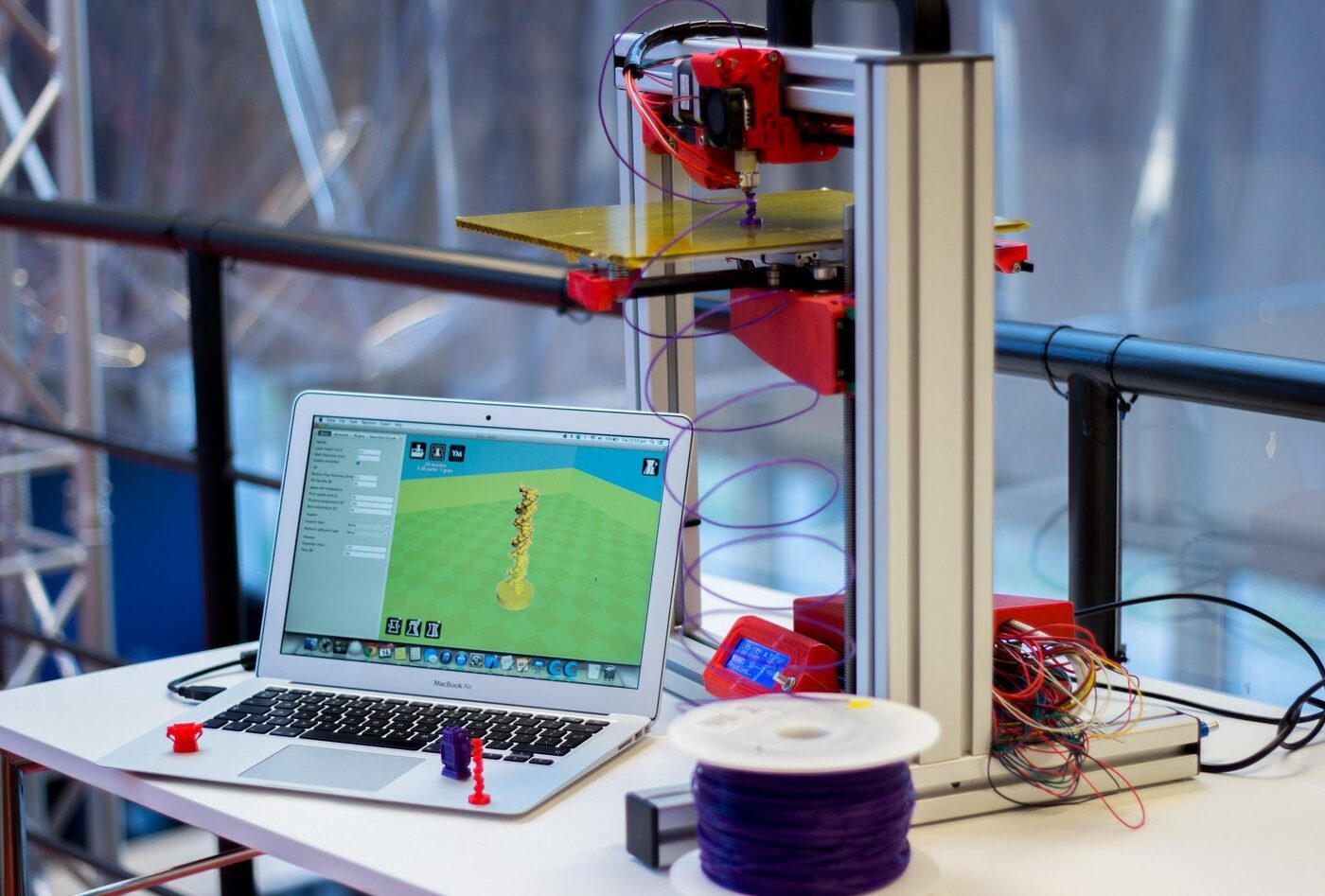
What Can A 3D Printer be Used For?
Traditionally, 3D printers were used to create models or prototypes of various objects, such as toys, but with the progressive advancement of technology, 3D printers can now be used to create the final product.
But what products can a 3D printer be used for?
Well, take your pick! Here is a list of just some of the objects that a 3D printer can replicate:
- Furniture
- Shoe designs
- Jewelry
- DIY/industrial tools
- Novelty gifts
- Automotive parts
- Foods
- Toys
- Prosthetic items, such as hearing aids, artificial teeth, etc.
- Bodily structures, such as bone grafts, organs, prosthetic parts, etc.
How Does 3D Printing Work?
A 3D printer will translate data from a computer system, such as computer-aided design (CAD) or computer-aided manufacturing (CAM), or a 3D scanner to change it into a physical object.
It works in a similar manner to a traditional printer insofar as it will implement instructions via various technologies to create the 3D object. One of the most common technologies used is called Fused deposition modeling (FDM), which is sometimes also known as fused filament fabrication (FFF).
Without being too techy, the filament will be melted and set through a heated nozzle in layers.
Another well-known 3D printing method uses stereolithography, which uses an ultraviolet laser to pinpoint a pool of ultra-sensitive photopolymer to trace the object, solidifying when the beam meets it.
3D Printing Technologies
There are three main types of 3D printing technology:
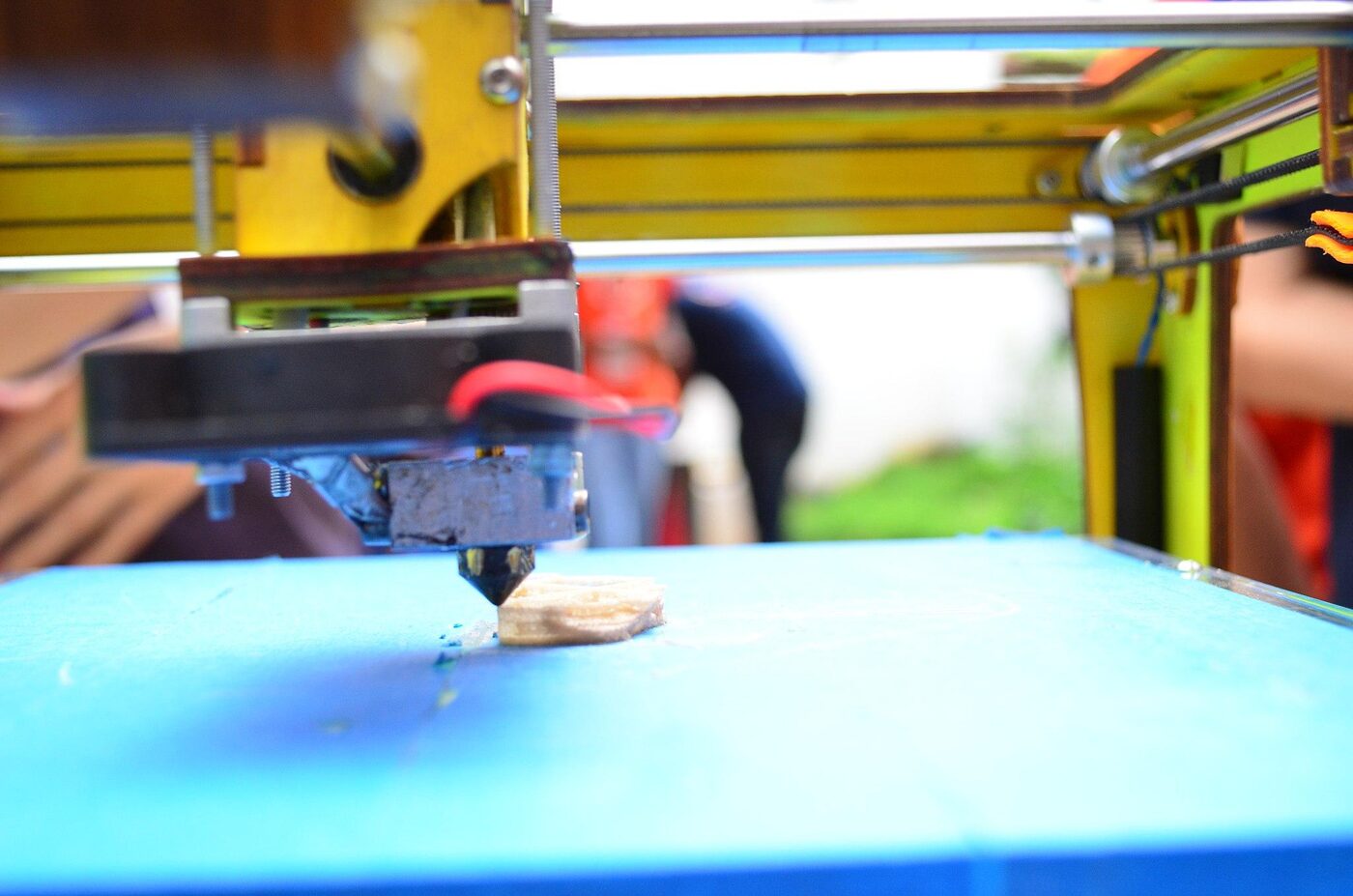
Melting
This method requires using high heat to melt the materials together using lasers, electron beams, or electric arcs.
Sintering
This method also requires heat (but not to the point that melting is involved). Instead, it uses metal powder to direct laser sintering and thermoplastic powders for selective laser sintering.
Stereolithography
This uses what is known as photopolymerization, which requires a light source to merge with the object material to solidify the item in thin layers.
How to Update FLSUN Super Racer Firmware: A Step-by-Step Guide
As mentioned earlier, your FLSUN Super Racer firmware can be updated in a matter of minutes. You will just need to make sure you have the following:
- An SD card
- The most recent firmware version for the type of printer you have—upgrade this prior to the update if necessary.
Updating your FLSUN SR firmware:
- Download the firmware (if you’ve not done so already).
- Remove the Zip to the root of your SD card.
- Insert the SD card into the printer and switch it on.
- The firmware will begin to update itself automatically (you won’t need to do anything). This shouldn’t take any longer than 5 minutes.
- Depending on your printer model, your unit may need to restart.
- Do not switch your printer off until the update is complete.
Side note: Unless your SD card is brand new/has never been used, it is wise to back up any files before any updates or upgrades.
3D Printer Software
Firstly, most 3D printers will come with some form of software via an insertable disc or download. This will usually include a program that allows you to control the printer and slicer, which enables you to format the object file into layers.
More advanced software will include a program that allows you to troubleshoot any issues with the object that may interfere with the printing process. This is called “healing” the object file.
Ultimately, the type of software you use depends on what you plan on using your 3D printer for.
When it comes to FlSUN SR firmware, a variety of downloads can be installed here.
How to Ensure a Smooth Printing Process
While almost any item or material can be used in 3D printing, it is important to ensure it will be printed correctly.
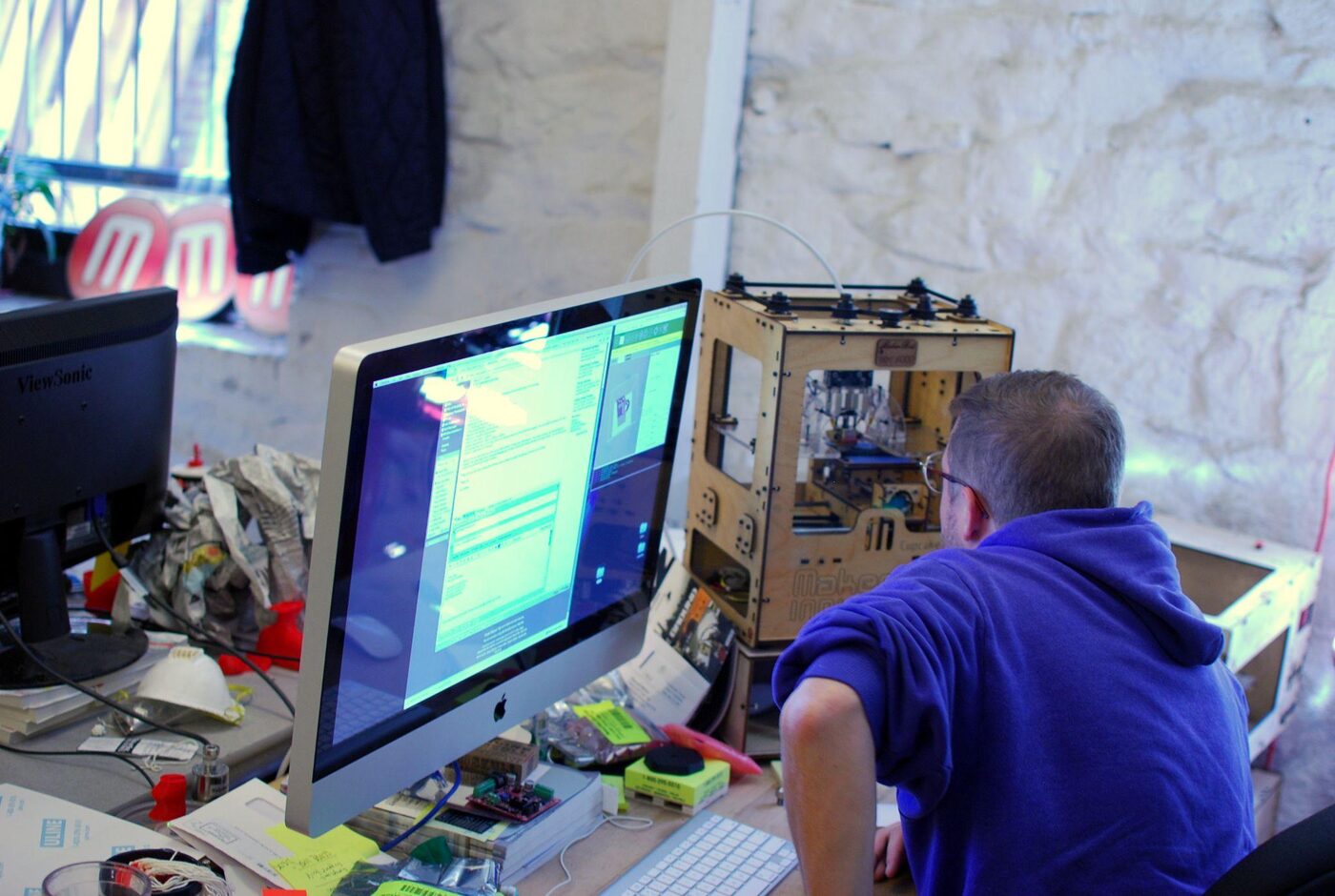
PID Tune
Your 3D printer relies on heat components to function. For example, if your printer has a heat bed, chances are it has 2 components, which are used for the bed and the nozzle.
If this is the case, your printer will have what’s known as PID settings (which work via an algorithm to monitor and regulate the temperature of the unit components), and occasionally you will need to PID tune your unit to maintain the correct balance.
PID (proportional, integral & derivative values) can help you improve the quality of your printing because it allows you to change the P, I, and D values to control and lessen any fluctuations in heat within the unit.
If you switch to printing via a significant temperature change or begin using a new heating bed or hot end, you will likely need to PID tune your unit’s heating element. The best way to do this is by sending a G-code command through an integrated terminal.
This process may differ slightly depending on what type of firmware you’re running on (such as Marlin or Smoothieware).
Super Racer (SR) Printer & 3D Printing: FAQs
Where can I buy FLSUN printers?
Whether you’re after the Super Racer (SR), FLSUN V400, FLSUN QQ-S Pro, or the FLSUN Q5, you can purchase them at most eCommerce sites or directly from the retailer.
What type of firmware is Klipper?
Klipper is a free software designed specifically for 3D printing and is a combination of general computer power and microcontrollers. However, it is recommended that if you wish to install Klipper, you will need a Raspberry Pi 1, 2, 3, or 4 computer as the host machine, and you will need to use the right printer configuration file.
More information can be found here.
What board does the FLsun SR use?
The FLSUN SR (Super Racer) uses a high-speed (32-bit) motherboard, which has 4 TMC 2209 installed on it. This board is known to be quieter and produces a smoother print.
What are the main types of 3D printing?
There are 4 types of 3D printing:
- VAT Polymerization
- Binder Jetting
- Sheet Lamination
- Direct Energy Disposition

Recommended Reading
FLSUN Super Racer Review: How Fast It Really Is?
The new model has many features you can explore and a reasonable price, but can you expect the instant results they promise?
Best FLSUN Super Racer Upgrades: Paid & Free
The following hardware upgrades can help your Super Racer deliver even better prints.
How To Install Klipper on FLSUN SR (Super Racer)
Installing Klipper on your FLSUN Super Racer printer isn’t as straightforward as any old computer-based installation, so if your experience with 3D printing and firmware ...